


 Opera-browser vereist.
- Deze extensie kan toegang krijgen tot je gegevens op alle websites.
- This extension can create rich notifications and display them to you in the system tray.
- Deze extensie kan toegang krijgen tot je tabs en browseactiviteit.
Screenshots

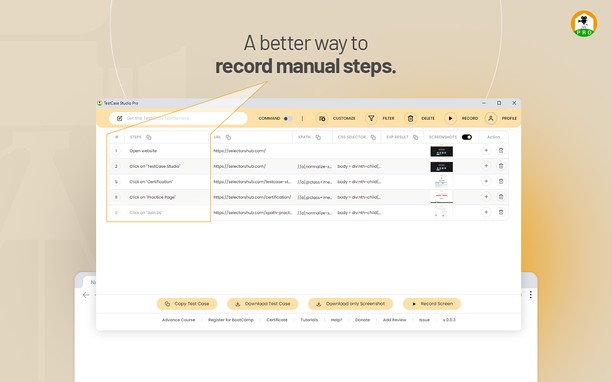


Over de extensie
- Downloads
- 154
- Categorie
- Developer Tools
- Versie
- 2.1.2
- Grootte
- 908,1 KB
- Last update
- 12 juni 2024
- Licentie
- Privacybeleid
- Service website
- https://selectorshub.com/testcase-studio-pro/
- Ondersteuningspagina
- https://www.selectorshub.com
Gerelateerd
-

Web Developer
Adds a toolbar button with various web developer tools. The official port of the Web Developer extension for Firefox.
-

Extensions for Mermaid
A browser extension for Chrome, Opera & Firefox that adds Mermaid language support to GitHub. A fork from the not updated GitHub + Mermaid extension.
-

Web Widgetizer
Web Widgetizer is a extension offering a range of features to enhance browsing. It allows users to create separate Opera windows for specific websites, manage favorite links, customize window dimensions, toggle auto-start, and open links in popup tabs via button click or shortcut (Ctrl + Shift + A). This versatile tool optimizes browsing convenience and efficiency.
-

W3DNA
Type '*' plus press "space" and a search term into the Omnibox to open search in new tab.
-

Wayback machine website
Online service that have 452 billion web pages saved over time and who is domain tool in context menu