


 Opera-browser vereist.
Native Ad blocker
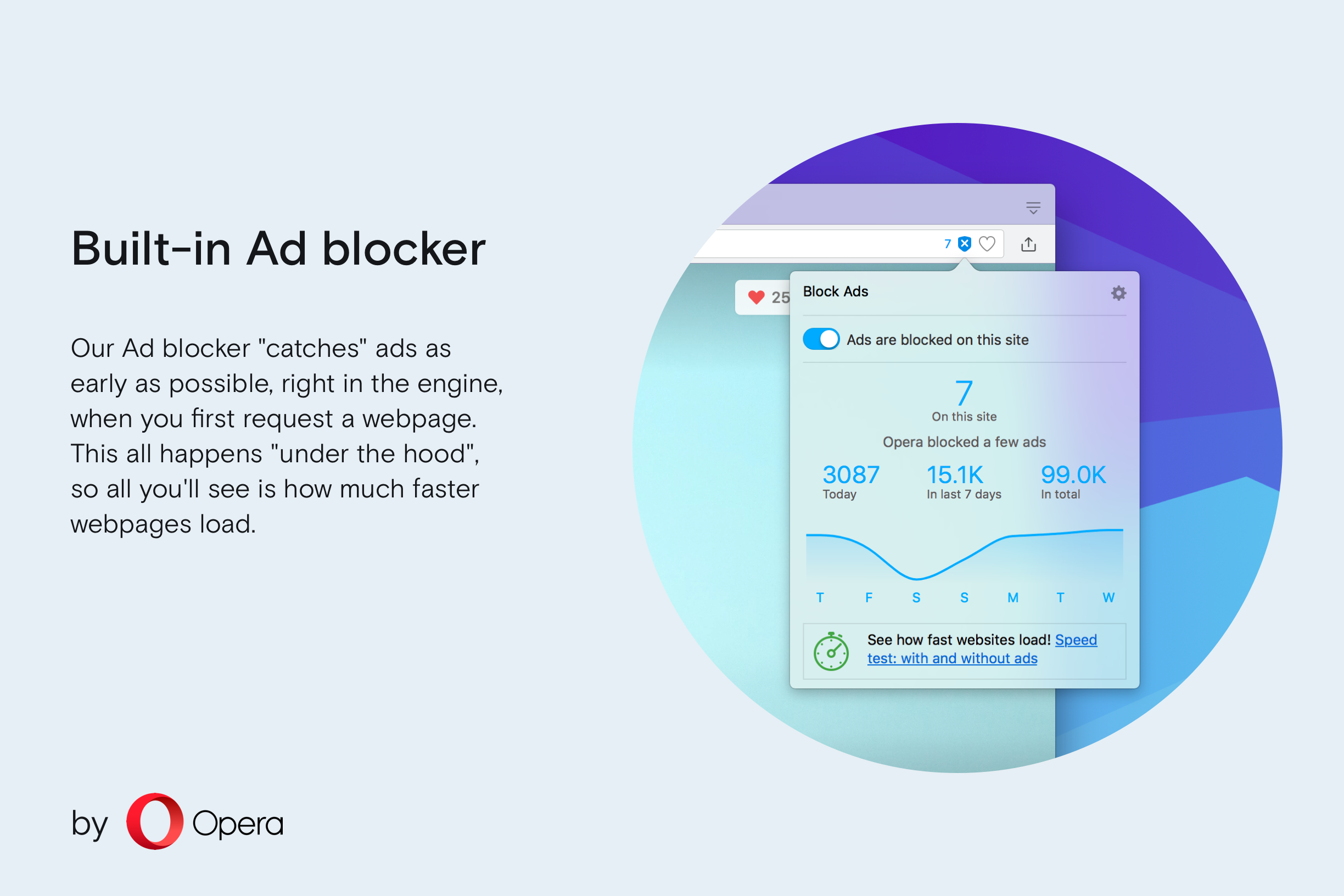
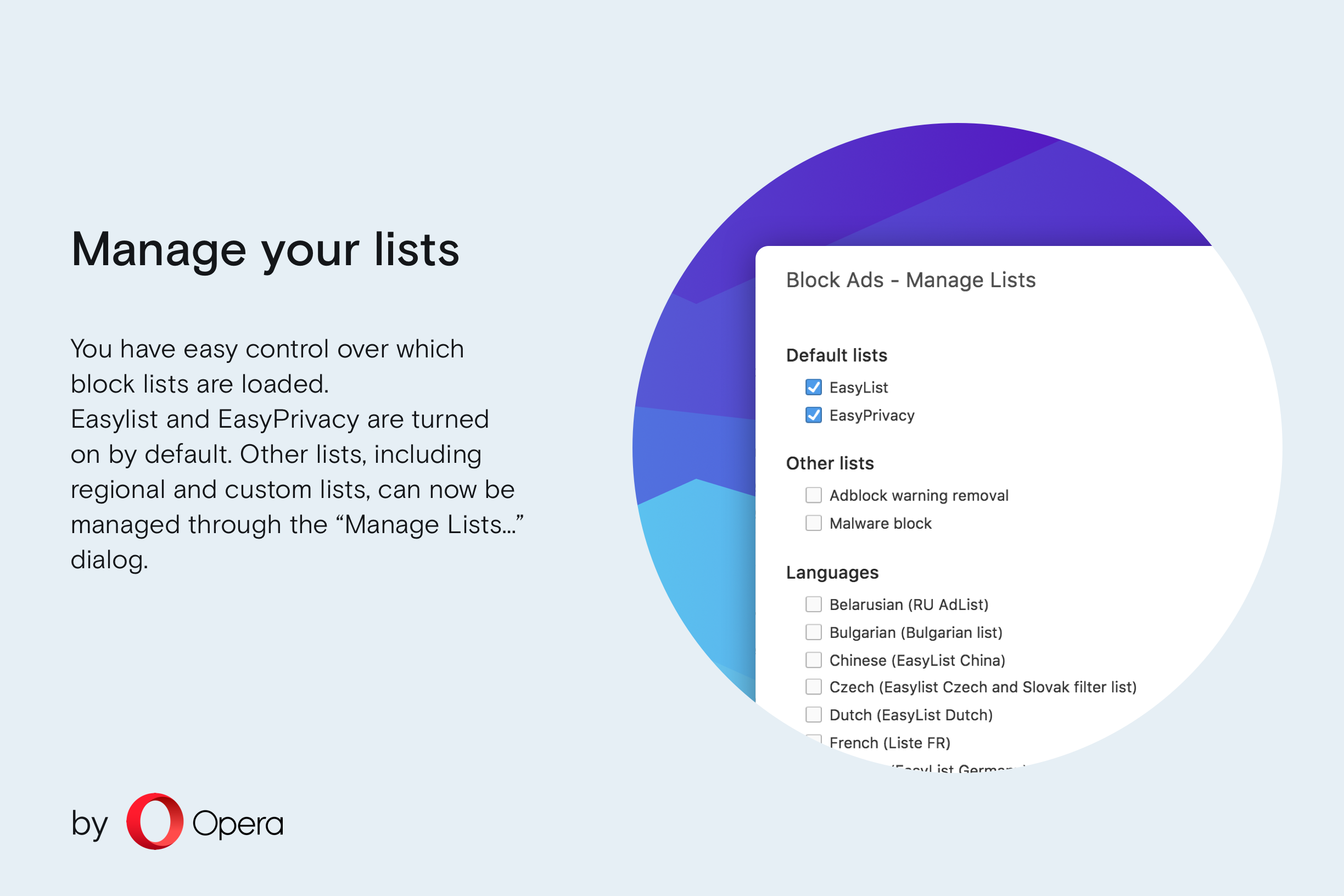
Opera's Ad blocker is built right into the browser. No installation and setup required, just enable ad blocking in the browser settings. Of course, not all ads are evil. You can easily unblock ads on any website, if you want.
Load pages much faster
Our Ad blocker "catches" ads as early as possible, right in the engine, when you first request a webpage. This all happens "under the hood", so all you'll see is how much faster webpages load.According to our tests, Opera loads content-rich pages up to 90% faster with ad blocking enabled. It's also noticeably faster than the Opera browser combined with various ad blocking extensions.
Stay more private
By blocking ads, you also block the source of many tracking cookies.
More about Opera Ad blocker
https://blogs.opera.com/news/2017/05/ads-eat-half-page-loading-time/https://blogs.opera.com/desktop/2017/03/one-year-browse-faster-ad-blocking/
https://blogs.opera.com/desktop/2016/05/ad-blocker-opera-for-windows-mac-free/
Screenshots


Over Opera
- Categorie
- Uiterlijk
- Last update
- 21 maart 2017
- Grootte
- 0 KB (ingebouwd)
- Service website
- https://www.opera.com/computer/features/ad-blocker
- Ondersteuningspagina
- https://help.opera.com
Gerelateerd
-

Beautiful Hieroglyphs
Replace wikihiero images with beautiful alternatives.
-

Slim Scroll bar
Modern & slim looks for browser scroll bars!
-

DarkCloud
Changes soundcloud.com to a dark theme.
-

HTML to Text
Extract Text from HTML code and make the content more readable than code
-

YouTube UI Cleaner
Hide Shorts, Grouped Videos, Live Streams, Paid Promos, and use Custom Keyword Filters for a cleaner YouTube experience.