


 Opera 브라우저가 필요합니다.
- 이 확장 기능은 모든 웹 사이트의 데이터에 액세스할 수 있습니다.
스크린샷

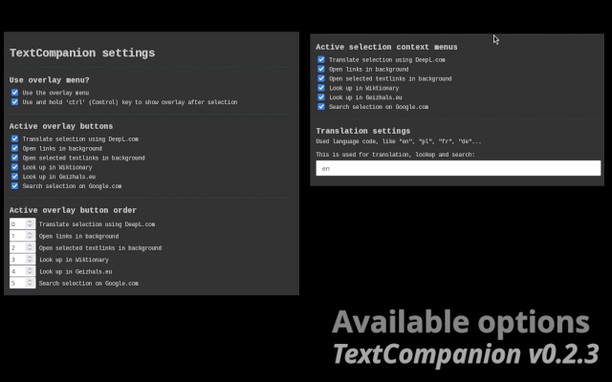
확장 기능 정보
- 다운로드 횟수
- 1,815
- 범주
- 검색
- 버전
- 0.2.3
- 크기
- 49.5 KB
- 최종 업데이트 일
- 2025년 3월 10일
- 라이선스
- 개인 정보 보호 정책
- 지원 페이지
- https://github.com/jrie/textcompanion/issues
- 소스 코드 페이지
- https://github.com/jrie/textcompanion
Related
-

Kies Groener: Duurzaam Leven Tips, Blogs, etc.
Jouw gids voor duurzaam leven - het laatste nieuws van de blog, duurzamere producten en vacatures.
-

TinEye Reverse Image Search
This is the official TinEye Opera extension. Find out where an image came from, how it's used, or find higher resolution versions.
-

Lyric Finder
Instantly search song by lyrics, find translations, and discover music faster.
-

Search Bookmarks, History and Tabs
Browser extension to (fuzzy) search and navigate bookmarks, history and open tabs.
-

ITA Matrix Powertools
Adds new features and builds fare purchase links for ITA Matrix