


 Opera 브라우저가 필요합니다.
- 이 확장 기능은 모든 웹 사이트의 데이터에 액세스할 수 있습니다.
스크린샷

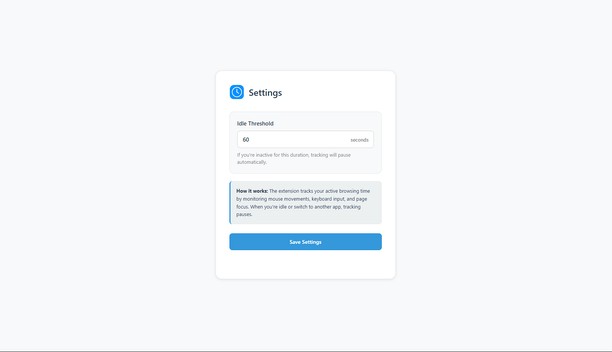
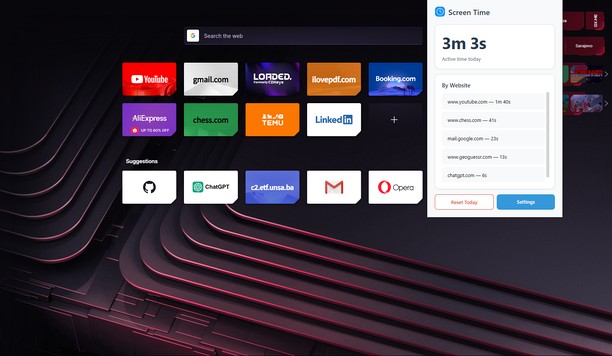
확장 기능 정보
- 다운로드 횟수
- 247
- 범주
- 생산성
- 버전
- 0.2.1
- 크기
- 30.7 KB
- 최종 업데이트 일
- 2025년 12월 12일
- 라이선스
- 개인 정보 보호 정책
- 지원 페이지
- https://github.com/KerimSikalo/ScreenTimeOperaExtension/issues
- 소스 코드 페이지
- https://github.com/KerimSikalo/ScreenTimeOperaExtension
Related
-

Atavi bookmarks
모든 장치와 브라우저에서 북마크 동기화
-

Qui-Quo
-

YouTube™ Stop AutoPlay Next
Stop YouTube from playing the next track, and auto navigate to the next suggestion (aka disable autoplay button)
-

Grammar Checker and Rewrite Tool — Linguix
Improve your writing and create compelling content with Linguix grammar checker & rewriter.
-

Evernote Web Clipper
Evernote 확장 프로그램을 사용해 웹에서 본 정보를 Evernote 계정에 저장하세요.