


 Opera 브라우저가 필요합니다.
- 이 확장 기능은 일부 웹 사이트의 데이터에 액세스할 수 있습니다.
스크린샷

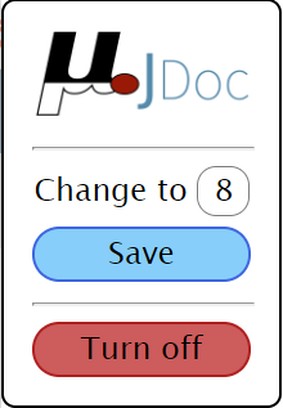
확장 기능 정보
- 다운로드 횟수
- 722
- 범주
- 개발자 도구
- 버전
- 1.2
- 크기
- 96.1 KB
- 최종 업데이트 일
- 2022년 7월 25일
- 라이선스
- 소스 코드 페이지
- https://github.com/TheDavidDelta/myJDoc
Related
-

Design Mode
Edit any page's content by switching to design mode, where you can modify the content and drag images around like a Word Editor
-

Web Widgetizer
Web Widgetizer is a extension offering a range of features to enhance browsing. It allows users to create separate Opera windows for specific websites, manage favorite links, customize window dimensions, toggle auto-start, and open links in popup tabs via button click or shortcut (Ctrl + Shift + A). This versatile tool optimizes browsing convenience and efficiency.
-

Web Developer
Adds a toolbar button with various web developer tools. The official port of the Web Developer extension for Firefox.
-

Internet Speed Test
Test your internet connection speed (upload and download) from a toolbar panel
-

Ninja Van Tracking
Track your Ninja Van Tracking Onilne