


 Opera 브라우저가 필요합니다.
- 이 확장 기능은 모든 웹 사이트의 데이터에 액세스할 수 있습니다.
- 이 확장 기능은 웹 사이트에서 쿠키, JavaScript 및 플러그 인 같은 기능을 사용할 수 있는지 여부를 지정하는 설정을 조작할 수 있습니다.
- 이 확장 기능은 탭 및 탐색 활동에 액세스할 수 있습니다.
스크린샷
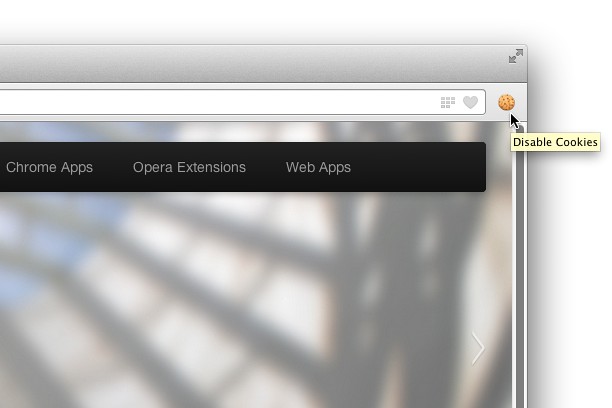

확장 기능 정보
- 다운로드 횟수
- 43,325
- 범주
- 개발자 도구
- 버전
- 1.0.3
- 크기
- 54.1 KB
- 최종 업데이트 일
- 2014년 3월 13일
- 라이선스
- Copyright 2014 singleclickapps
- 지원 페이지
- http://singleclickapps.com/disable-cookies/
- 소스 코드 페이지
- https://github.com/SingleClickApps
Related
-

Web Widgetizer
Web Widgetizer is a extension offering a range of features to enhance browsing. It allows users to create separate Opera windows for specific websites, manage favorite links, customize window dimensions, toggle auto-start, and open links in popup tabs via button click or shortcut (Ctrl + Shift + A). This versatile tool optimizes browsing convenience and efficiency.
-

Font Finder
선택한 요소의 CSS 스타일을 확인하는 간편한 폰트 검사기
-

Encode Decode HTML
Encode HTML to show it in the HTML pages a code instead of rendered HTML. Decode HTML to convert it back to HTML code
-

Open in Pale Moon
Open current page, link, or all tabs in the Pale Moon browser.
-

Web Developer
Adds a toolbar button with various web developer tools. The official port of the Web Developer extension for Firefox.