


 Opera ブラウザ が必要です。
スクリーンショット

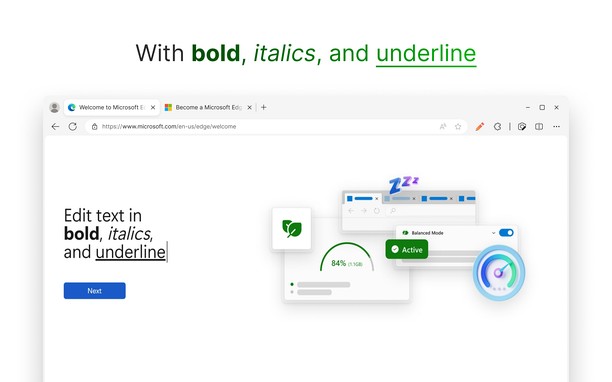
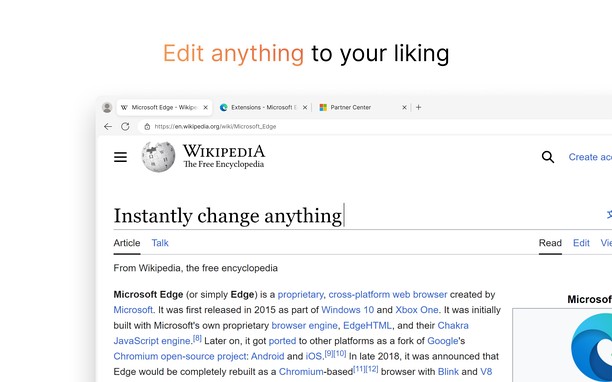
拡張機能について
- ダウンロード数
- 3630
- カテゴリ
- Developer Tools
- バージョン
- 1.0.1
- サイズ
- 40.9 KB
- Last update
- 2024年1月8日
- ライセンス
- サービスサイト
- https://github.com/RyanLua/WebEdit
- サポートページ
- https://github.com/RyanLua/WebEdit/issues/new/choose
- ソースコードのページ
- https://github.com/RyanLua/WebEdit/releases
Related
-

Caffeine
Keep awake which prevents the OS from automatically going to sleep, dimming the screen or starting screen savers
-

Web Widgetizer
Web Widgetizer is a extension offering a range of features to enhance browsing. It allows users to create separate Opera windows for specific websites, manage favorite links, customize window dimensions, toggle auto-start, and open links in popup tabs via button click or shortcut (Ctrl + Shift + A). This versatile tool optimizes browsing convenience and efficiency.
-

FullScreen for Opera
フルスクリーン、#1ズーム、ダークモードのオプションは1つになります
-

Web Developer
Adds a toolbar button with various web developer tools. The official port of the Web Developer extension for Firefox.
-

Edit with Paint.Net
Adds a context menu item to send image links directly to Paint.Net photo editor