


 Opera ブラウザ が必要です。
- この拡張機能は、Cookie や JavaScript、プラグインなどの機能の使用をウェブサイトに許可するかを指定する設定を操作できます。
- この拡張機能は、タブおよびブラウジングアクティビティにアクセス可能です。
スクリーンショット
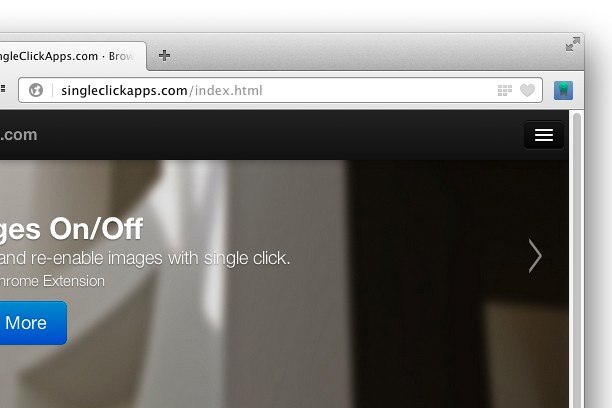

拡張機能について
- ダウンロード数
- 39139
- カテゴリ
- 効率アップツール
- バージョン
- 2.0.0
- サイズ
- 46.9 KB
- Last update
- 2017年7月6日
- ライセンス
- Copyright 2017 singleclickapps
- サポートページ
- http://singleclickapps.com/images-on-off/
- ソースコードのページ
- https://github.com/SingleClickApps
Related
-

Open in IE™
Open links in IE (Internet Explorer)
-

Evernote Web Clipper
Evernote の拡張機能を使用して、Web 上で見つけたページを Evernote アカウントに保存します。
-

AllTheBookmarks
This extension pairs with your allthebookmarks.com account allowing you to quickly save bookmarks and add new folders.
-

YouTube Ad Muter
Automatically mute sound for YouTube ads
-

Boomerang for Gmail™
Allows you to schedule messages to be sent or returned at a later date.