


 Opera ブラウザ が必要です。
- この拡張機能は、すべてのサイトのデータにアクセス可能です。
- この拡張機能はコピー&ペーストされたデータにアクセス可能です。
- This extension can write data into the clipboard.
スクリーンショット
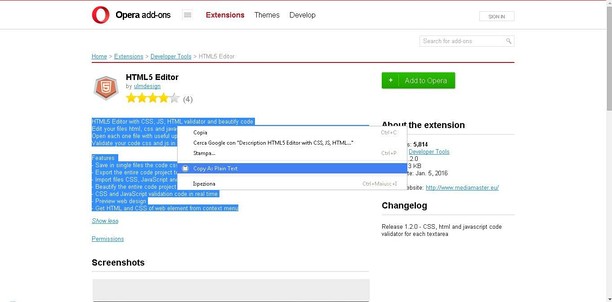

拡張機能について
- ダウンロード数
- 44128
- カテゴリ
- 効率アップツール
- バージョン
- 3.0.0
- サイズ
- 7.0 KB
- Last update
- 2022年4月14日
- ライセンス
- サービスサイト
- https://mediamaster.eu/
- サポートページ
- https://mediamaster.eu/contatti
Related
-

Boomerang for Gmail™
Allows you to schedule messages to be sent or returned at a later date.
-

eLang: Learn languages with Netflix & Youtube
映画、Netflix、YouTubeから言語を学ぶ。eLang Extension - ダブル字幕、パーソナライズ辞書など
-

QR Code Tab
Adds a button in toolbar and show URL from current tab as QR code
-

Bangla Calendar 365
View today's Bangla & Islamic Hijri date instantly and access the full Panjika calendar.
-

Evernote Web Clipper
Evernote の拡張機能を使用して、Web 上で見つけたページを Evernote アカウントに保存します。