


 Opera ブラウザ が必要です。
- この拡張機能は、すべてのサイトのデータにアクセス可能です。
- この拡張機能は、タブおよびブラウジングアクティビティにアクセス可能です。
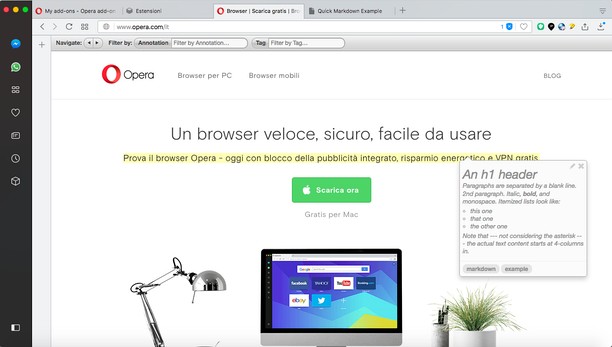
スクリーンショット


拡張機能について
- ダウンロード数
- 27081
- カテゴリ
- 効率アップツール
- バージョン
- 1.2.1
- サイズ
- 139.5 KB
- Last update
- 2022年4月14日
- ライセンス
- サービスサイト
- https://annotatorjs.org/
- サポートページ
- https://mediamaster.eu/contatti
Related
-

Evernote Web Clipper
Evernote の拡張機能を使用して、Web 上で見つけたページを Evernote アカウントに保存します。
-

Sidebar Calc
Browser sidebar calculator for quick math and scientific calculations. Use history, copy results, and calculate while browsing.
-

Boomerang for Gmail™
Allows you to schedule messages to be sent or returned at a later date.
-

Open in PDF Reader
Send PDF links directly to your favorite PDF viewer like Adobe Acrobat Reader
-

2FAS - Two factor authentication
2FAS extension is simple, private, and secured: one click, one tap, and your 2FA token is automatically entered!