


 Dibutuhkan browser Opera.
- Ekstensi ini bisa mengakses data Anda di semua website.
- This Extension can read and modify bookmarks.
- Ekstensi ini bisa mengakses tab dan aktivitas browsing Anda.
Screenshot

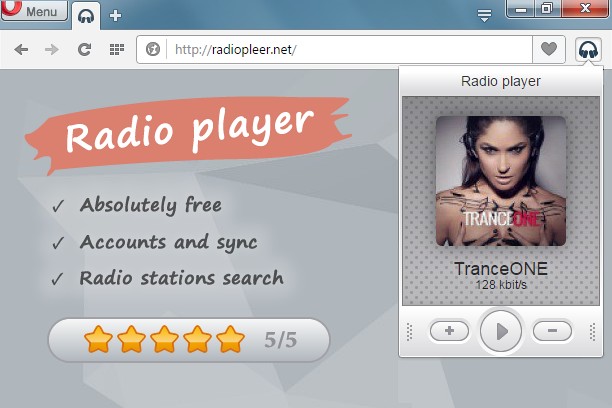

Tentang ekstensi ini
- Unduh
- 45.784
- Kategori
- Musik
- Versi
- 1.0.7
- Ukuran
- 77,4 KB
- Pembaruan terakhir
- 11 Juli 2016
- Lisensi
- Kebijakan privasi
- Layanan website
- http://radiopleer.net/
- Halaman dukungan
- http://radiopleer.net/feedback
Terkait
-

YouTube Audio Equalizer and Amplifier
Control audio equalization and volume level of YouTube and YouTube Music
-

Smooth Jazz South Florida
Listen Smooth Jazz South Florida Radio with Opera Browser.
-

Popup Player for Spotify™
Control Spotify web player from a toolbar popup (includes play, pause, skip previous and next tracks)
-

WEZY-DB Late Night Easy
Listen WEZY-DB Late Night Easy with Opera Browser.
-

Advanced Audio Equalizer
Enhance your online audio experience with the Advanced Audio Equalizer. Fine-tune your tab audio in real-time