


 Opera böngésző szükséges.
Free, unlimited, and with no subscription
Enhanced online privacy is a right for everyone. Our free, built-in VPN requires no subscription, payment, or additional extensions.
Works out of the box
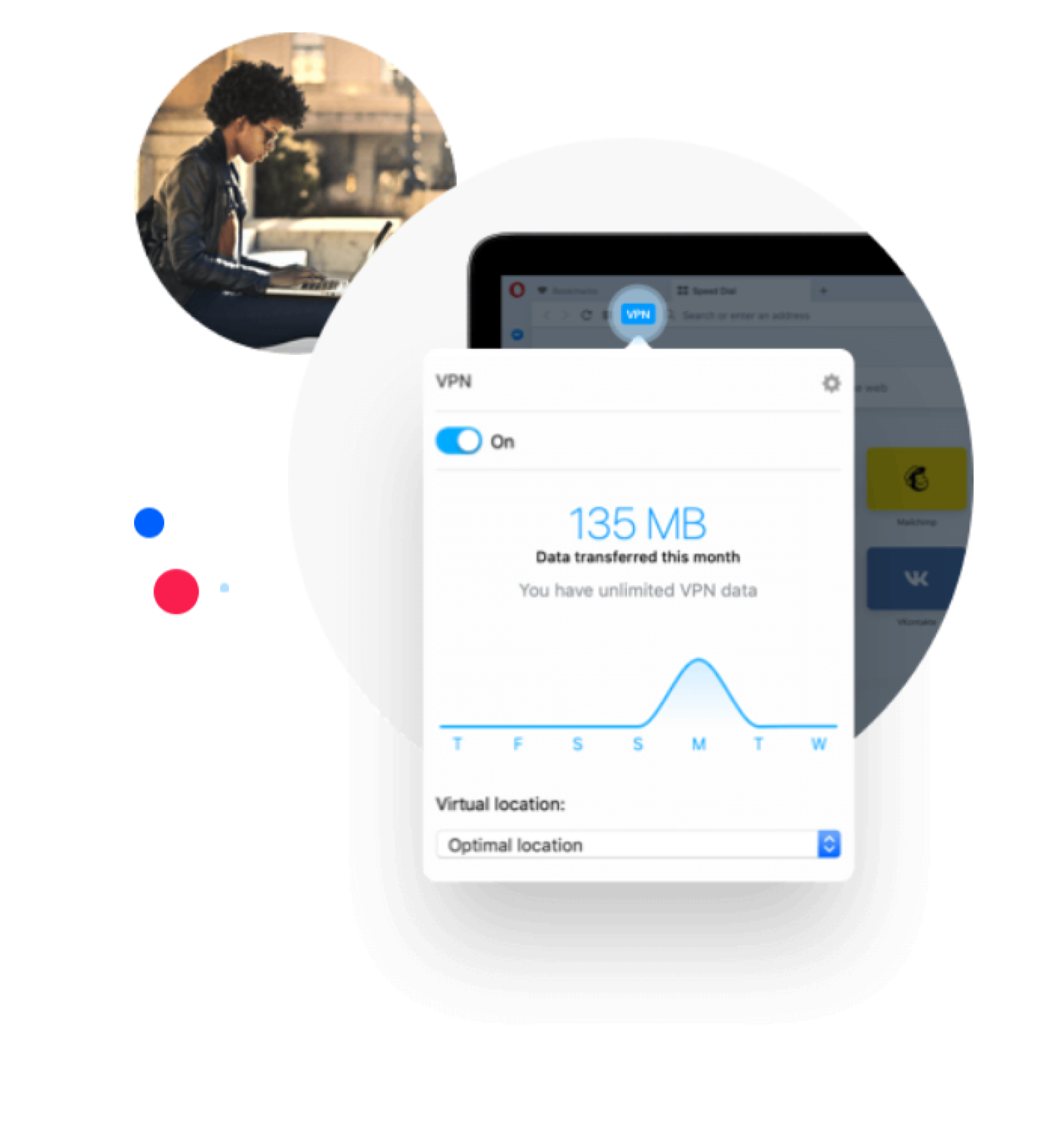
To activate the free VPN for the first time, enable it in Menu -> Settings -> Privacy -> VPN. From now on you will see an icon on the address bar showing VPN status. Simply click on it to trigger VPN service on and off. You can then select your desired virtual location and also see stats on the data used.Opera’s VPN can also be used in a private browsing window.
Shield your browsing in public networks
Surfing on free, public Wi-Fi in airports, cafes, and event venues is a treat, but it can also be a danger. Using VPN shields your activity from being sniffed out by other users sharing the network.
Search locally while on VPN
Disguising your IP address throws off trackers from knowing your location, but your online search results can be influenced as well. Not so with Opera’s VPN! It offers an automatic way for your online searches to bypass your virtual location to your actual location, giving you relevant results - then, you can continue to your target destination over VPN.
More about Opera VPN
https://www.opera.com/features/free-vpnKépernyőképek

Névjegy
- Kategória
- Megjelenés
- Last update
- 2020. április 1.
- Méret
- 0 KB (beépítve)
- Szolgáltatói webhely
- https://www.opera.com/features/free-vpn
- Támogatási lap
- https://help.opera.com
Kapcsolódó
-

Dark Theme for Google™
A highly customizable dark theme for Google products (search, images, translate, and contacts)
-

Taringa sin Perdidas
-

Custom Page Zoom
Easily set a custom zoom level for each website (or all websites)
-

Dnevnik.dark
Добавляет тёмную тему в Дневник.ру
-

ModHub Dark Theme
Changes the theme to dark on farming-simulator.com