Opera ब्राउज़र की आवश्यकता है।
Mirrors video vertically and horizontally, speeds up or slows down, rotates by 90°, and compresses video height and width — useful for correcting distorted videos on websites.
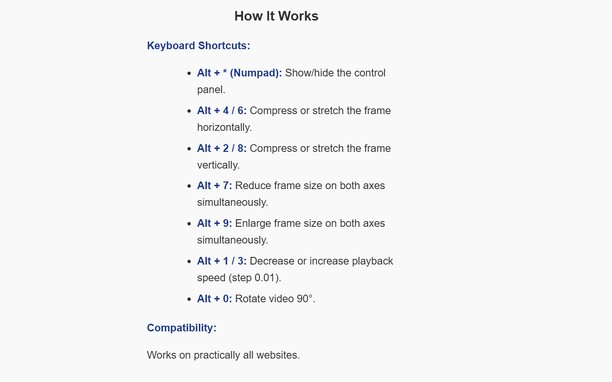
How It Works
Keyboard Shortcuts:
Alt + * (Numpad): Show/hide the control panel.
Alt + 4 / 6: Compress or stretch the frame horizontally.
Alt + 2 / 8: Compress or stretch the frame vertically.
Alt + 7: Reduce frame size on both axes simultaneously.
Alt + 9: Enlarge frame size on both axes simultaneously.
Alt + 1 / 3: Decrease or increase playback speed (step 0.01).
Alt + 0: Rotate video 90°.
Compatibility:
Works on practically all websites.
- यह एक्सटेंशन सभी वेबसाइट पर आपके डेटा तक पहुँच प्राप्त कर सकता है।
स्क्रीनशॉट
एक्सटेंशन के बारे में
- डाउनलोड
- 23
- श्रेणी
- उत्पादकता
- संस्करण
- 1.0.0
- आकार
- 15.7 केबी
- Last update
- 13 जनवरी 2026
- लाइसेंस
- गोपनीयता नीति
Related
-
Evernote Web Clipper
Use the Evernote extension to save things you see on the web into your Evernote account.
रेटिंग: रेटिंग की कुल संख्या: 636
-
Auto Pause|Stop for YouTube™
Automatically pause or stop YouTube videos from playing
रेटिंग: रेटिंग की कुल संख्या: 15
-
NeoBux AdAlert
An extension which notifies you when there are new advertisements available
रेटिंग: रेटिंग की कुल संख्या: 17
-
Atavi bookmarks
Visual bookmarks, bookmarks sync across various browsers and absolute safety for your bookmarks
रेटिंग: रेटिंग की कुल संख्या: 173
-
REFILL PRINTER INK AT HO CHI MINH CITY
We specialize in refilling printer ink and photocopiers at home in Ho Chi Minh-Dong Da
रेटिंग: रेटिंग की कुल संख्या: 1