


 נדרש דפדפן Opera.
- הרחבה זו יכולה לגשת למידע שלך בכל אתרי האינטרנט.
- This Extension can read and modify bookmarks.
- הרחבה זו יכולה לגשת ללשוניות ולפעילות הגלישה שלך.
- This extension can store an unlimited amount of client-side data.
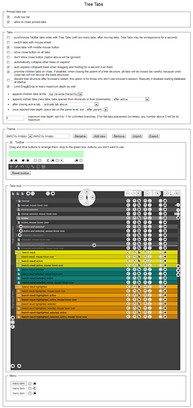
צילומי מסך

אודות ההרחבה
- הורדות
- 57718
- קטגוריה
- פרודוקטיביות
- גרסה
- 1.6.0
- גודל
- 306.1 ק"ב
- Last update
- 26 בפברואר 2019
- רשיון
- Copyright 2018 kroppy
Related
-

LightPhoto Editing
Basic photo editing tools. Get online image with context menu to edit with basic tools
-

Category Tabs for Google Keep™
ארגן את הפתקים שלך ב-Google Keep בצורה טובה יותר
-

Evernote Web Clipper
Use the Evernote extension to save things you see on the web into your Evernote account.
-

Boomerang for Gmail™
Allows you to schedule messages to be sent or returned at a later date.
-

Snip Shot
Snip Shot is a user-friendly browser extension that simplifies the process of taking screenshots. With its one-click operation and intuitive user interface, users can quickly and easily capture any part of their screen and save it as an image. Snip Shot's minimalist design makes it a seamless addition to any browser, while its efficiency and usability make it the perfect tool for anyone who needs to take screenshots regularly.