


 Feumar brabhsair Opera.
Glacaidhean-sgrìn

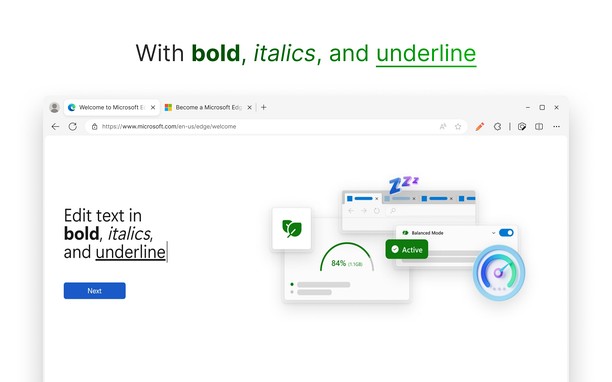
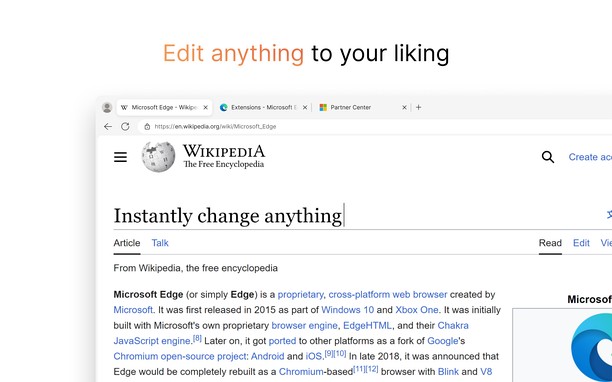
Mun leudachan
- Na chaidh a luchdadh a-nuas
- 3538
- Roinn-seòrsa
- Developer Tools
- Tionndadh
- 1.0.1
- Meud
- 40.9 KB
- Last update
- 8 Am Faoilleach 2024
- Ceadachas
- Làrach-lìn seirbheise
- https://github.com/RyanLua/WebEdit
- Duilleag na taice
- https://github.com/RyanLua/WebEdit/issues/new/choose
- Duilleag a' chòd tùsail
- https://github.com/RyanLua/WebEdit/releases
Related
-

HexDump - Hex Viewer
Display file contents in hexadecimal, and ascii
-

retire.js
Scanning website for vulnerable js libraries
-

OCR - Image Reader
A powerful optical character recognition (OCR) extension to capture and convert images to text
-

Web Developer
Adds a toolbar button with various web developer tools. The official port of the Web Developer extension for Firefox.
-

Web Widgetizer
Web Widgetizer is a extension offering a range of features to enhance browsing. It allows users to create separate Opera windows for specific websites, manage favorite links, customize window dimensions, toggle auto-start, and open links in popup tabs via button click or shortcut (Ctrl + Shift + A). This versatile tool optimizes browsing convenience and efficiency.