


 Feumar brabhsair Opera.
- Gheibh an leudachadh seo cothrom air do chuid dàta air gach làrach-lìn.
- Gheibh an leudachadh seo cothrom air na tabaichean agad is na bhrabhsaicheas tu.
Glacaidhean-sgrìn
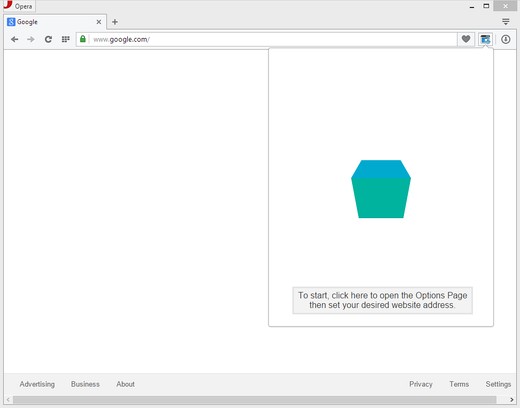
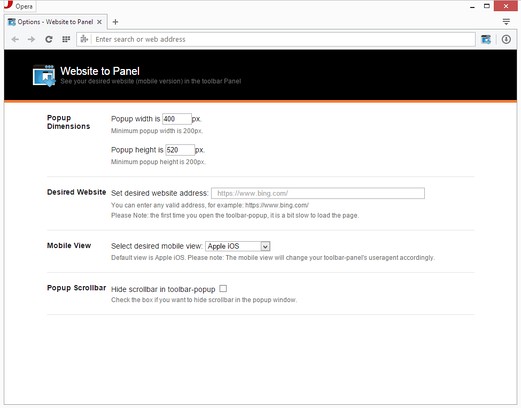
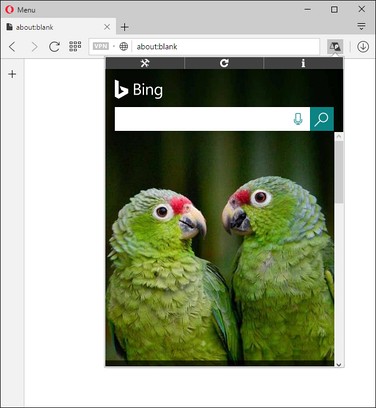
Mun leudachan
- Na chaidh a luchdadh a-nuas
- 6478
- Roinn-seòrsa
- Coileanadh
- Tionndadh
- 0.1.6
- Meud
- 68.4 KB
- Last update
- 2 An t-Iuchar 2019
- Ceadachas
- Copyright 2019 elennorphen
- Duilleag na taice
- http://mybrowseraddon.com/site-to-panel.html
Related
-

FastProxer
A quicker way to navigate on Proxer.me streams! [German]
-

Boomerang for Gmail™
Allows you to schedule messages to be sent or returned at a later date.
-

Evernote Web Clipper
Use the Evernote extension to save things you see on the web into your Evernote account.
-

Document Sending
This extension verifies content on 3rd party web applications
-

Password Disasterisker
Show password in plain text whenever the mouse is over the field