


 Feumar brabhsair Opera.
- This permission allows other installed extensions and web pages to communicate with this extension.
- Chì an leudachan seo an eachdraidh brabhsaidh agad agus is urrainn dha a h-atharrachadh.
- Gheibh an leudachadh seo cothrom air na tabaichean agad is na bhrabhsaicheas tu.
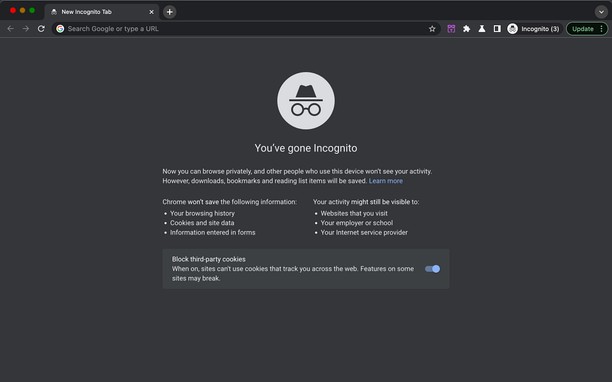
Glacadh-sgrìn
Mun leudachan
- Na chaidh a luchdadh a-nuas
- 2064
- Roinn-seòrsa
- Coileanadh
- Tionndadh
- 5.2.2
- Meud
- 96.3 KB
- Last update
- 8 An Dàmhair 2026
- Ceadachas
- Copyright 2026 carlosjeurissen
Related
-

pyGet P2P file sharing
pyGet lets you share files with remote computers and smart-phones without the need of any plugins.
-

Boomerang for Gmail™
Allows you to schedule messages to be sent or returned at a later date.
-

Lunapic Right Click Edit
Easy way to edit images on Lunapic.com. Right click an image and open edit session on Lunapic.com.
-

Evernote Web Clipper
Use the Evernote extension to save things you see on the web into your Evernote account.
-

Edit this Image
Quick and easy access to online image editor tools.