


 Feumar brabhsair Opera.
Glacaidhean-sgrìn

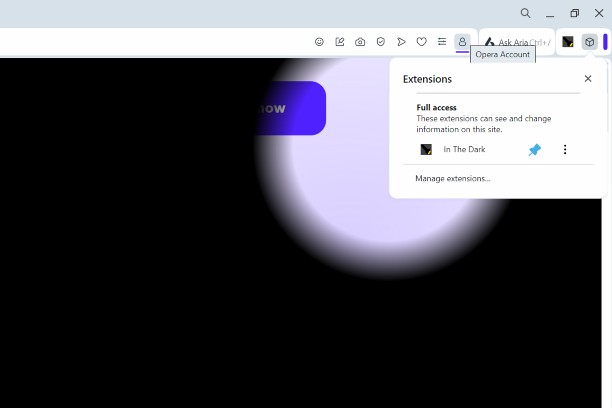
Mun leudachan
- Na chaidh a luchdadh a-nuas
- 4014
- Roinn-seòrsa
- Coltas
- Tionndadh
- 1.4.1
- Meud
- 12.5 KB
- Last update
- 21 An Cèitean 2025
- Ceadachas
- Copyright 2025 a869c675-516a-4870-a8d1-dc2c784216f3
Related
-

Тема для YouTube - Темный карбон
Для любителей темных тем оформления
-

Googley Styles for Rizzoma
Change the Rizzoma interface to look like Gmail and other Google apps (a.k.a. Kennedy design).
-

GitHub Contribution Color Graph
Change colors of contribution graph in GitHub
-

Custom Dark Mode
Customize your dark mode for the web!
-

Auto Dark Theme for Discord
Make Discord automatically match your system's dark/light theme.