


 Feumar brabhsair Opera.
- ’S urrainn dha leudachan seo na roghainnean atharrachadh a dh’innseas am faod làraichean-lìn gleusan mar bhriosgaidean, JavaScript is plugain a chleachdadh.
- Gheibh an leudachadh seo cothrom air na tabaichean agad is na bhrabhsaicheas tu.
Glacaidhean-sgrìn
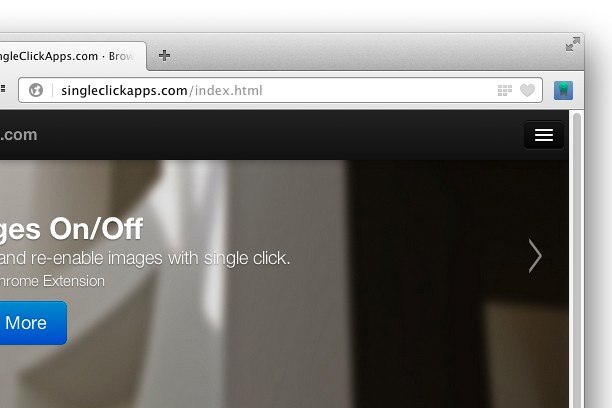

Mun leudachan
- Na chaidh a luchdadh a-nuas
- 39114
- Roinn-seòrsa
- Coileanadh
- Tionndadh
- 2.0.0
- Meud
- 46.9 KB
- Last update
- 6 An t-Iuchar 2017
- Ceadachas
- Copyright 2017 singleclickapps
- Duilleag na taice
- http://singleclickapps.com/images-on-off/
- Duilleag a' chòd tùsail
- https://github.com/SingleClickApps
Related
-

Duo Strength
Adds individual skill strengths back into the duolingo webpage, similar to data on duome.eu
-

Atavi bookmarks
Visual bookmarks, bookmarks sync across various browsers and absolute safety for your bookmarks
-

Multi URL Opener
Open multiple URLs at once, saving time and improving productivity.
-

Evernote Web Clipper
Use the Evernote extension to save things you see on the web into your Evernote account.
-

Universal VAT Calculator
Add VAT to a price or take VAT off a price in a few keystrokes with our handy universal VAT calculator