


 Feumar brabhsair Opera.
Glacaidhean-sgrìn

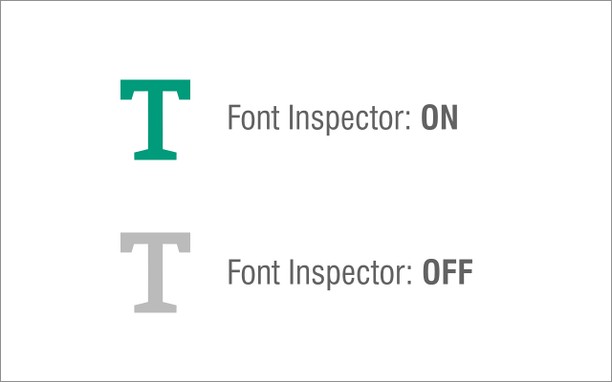
Mun leudachan
- Na chaidh a luchdadh a-nuas
- 25734
- Roinn-seòrsa
- Developer Tools
- Tionndadh
- 0.2.0
- Meud
- 25.4 KB
- Last update
- 17 An Dùbhlachd 2025
- Ceadachas
- Copyright 2025 alexmarcoo
- Duilleag na taice
- https://mybrowseraddon.com/font-inspector.html
Related
-

Web Widgetizer
Web Widgetizer is a extension offering a range of features to enhance browsing. It allows users to create separate Opera windows for specific websites, manage favorite links, customize window dimensions, toggle auto-start, and open links in popup tabs via button click or shortcut (Ctrl + Shift + A). This versatile tool optimizes browsing convenience and efficiency.
-

TestCase Studio
TestCase Studio record the user actions performed on a web application in English Sentences. Best alternative for Selenium IDE
-

BuiltWith Technology Profiler
Find out what the website you are visiting is built with using this extension.
-

Web Developer
Adds a toolbar button with various web developer tools. The official port of the Web Developer extension for Firefox.
-

Super Auto Refresh
Auto-refresh (reload) pages, on a selected interval. NO ADs. SUPER EASY.