


 Opera blêder is fereaske.
- Dizze tafoeging kin tagong ha ta jo gegevens op alle websteeën.
- Dizze tafoeging kin tagong ha ta jo ljeppers en aktiviteit fan blêdzjen.
Skermprint
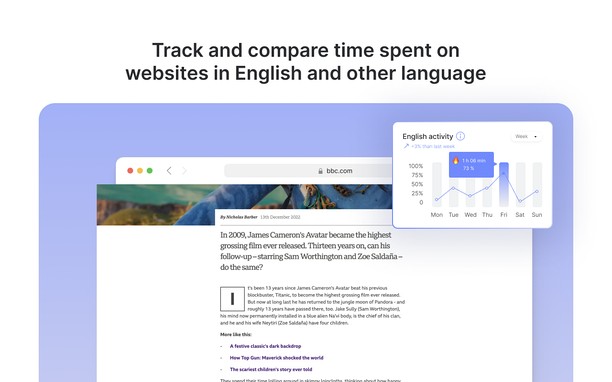

Oer de tafoeging
- Ynladen
- 258
- Kategory
- Produktiviteit
- Ferzje
- 0.0.1
- Grutte
- 323.3 KB
- Last update
- Jan. 18, 2023
- Lisinsje
- Copyright 2022 sergeifedorenkon
- Privacy Belied
- Stipe side
- https://elang.app/contacts
Related
-

Save as MHTML
Save active tab as MHTML web page archive file format with a single click
-

Sidenotes
Simple notes for your Opera sidebar
-

Boomerang for Gmail™
Allows you to schedule messages to be sent or returned at a later date.
-

Evernote Web Clipper
Use the Evernote extension to save things you see on the web into your Evernote account.
-

Open in Chromium Browser
Open current page, link, or all tabs in the Chromium browser.