


 Opera blêder is fereaske.
- Dizze tafoeging kin tagong ha ta jo gegevens dyst kopiearest en plakst.
- This extension can write data into the clipboard.
- Dizze tafoeging kin tagong ha ta jo ljeppers en aktiviteit fan blêdzjen.
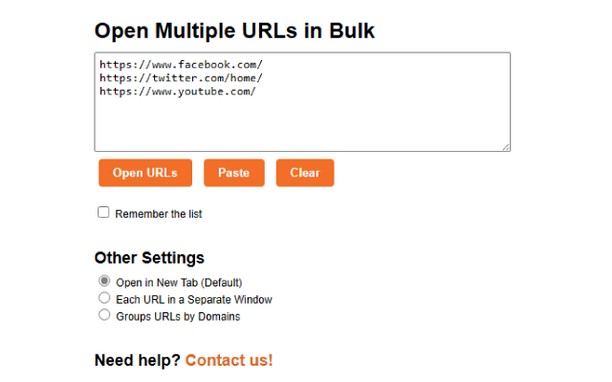
Skermprint

Oer de tafoeging
- Ynladen
- 1517
- Kategory
- Produktiviteit
- Ferzje
- 1.5
- Grutte
- 4.9 KB
- Last update
- Aug. 18, 2023
- Lisinsje
- Copyright 2023 Meetanshi
- Tsjinst webstee
- https://meetanshi.com/
- Stipe side
- https://meetanshi.com/contacts?utm_source=opera_addon&utm_medium=addon&utm_campaign=bulkurlopener
Related
-

Stay Productive
Remove feed and notifications from Facebook, Twitter, Linkedin ... To stay productive !
-

UlmDraw
Your friendly web-based SVG editor
-

Review Random Response Generator
it is a tool that automatically generates personalized and relevant responses to customer reviews.
-

Evernote Web Clipper
Use the Evernote extension to save things you see on the web into your Evernote account.
-

Atavi bookmarks
Visual bookmarks, bookmarks sync across various browsers and absolute safety for your bookmarks