


 Opera blêder is fereaske.
- Dizze tafoeging kin tagong ha ta jo gegevens op alle websteeën.
- Dizze tafoeging kin tagong ha ta jo ljeppers en aktiviteit fan blêdzjen.
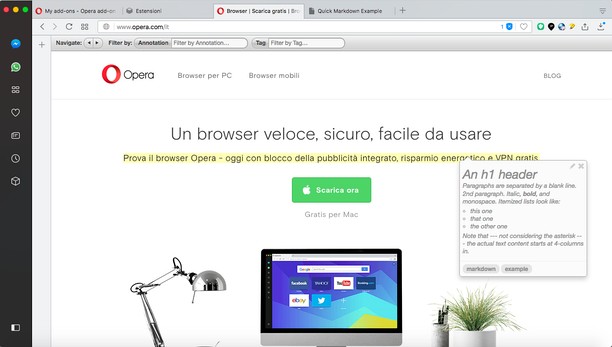
Skermprint


Oer de tafoeging
- Ynladen
- 27055
- Kategory
- Produktiviteit
- Ferzje
- 1.2.1
- Grutte
- 139.5 KB
- Last update
- April 14, 2022
- Lisinsje
- Tsjinst webstee
- https://annotatorjs.org/
- Stipe side
- https://mediamaster.eu/contatti
Related
-

SG Fórum tuning
-

h264ify
Makes YouTube stream H.264 videos instead of VP8/VP9 videos
-

Wrona History Menu
Restore, filter or remove recently closed tabs, windows and history including those from other devices.
-

Atavi bookmarks
Visual bookmarks, bookmarks sync across various browsers and absolute safety for your bookmarks
-

Evernote Web Clipper
Use the Evernote extension to save things you see on the web into your Evernote account.