


 Le navigateur Opera est nécessaire.
Copies d'écran

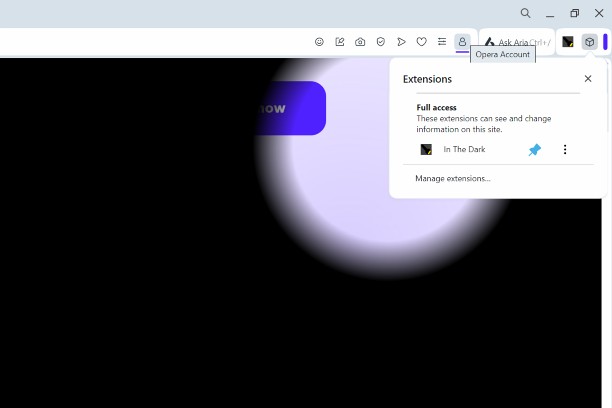
À propos de l'extension
- Téléchargements
- 3 923
- Catégorie
- Apparence
- Version
- 1.4.1
- Taille
- 12,5 Kio
- Dernière mise à jour
- 21 mai 2025
- Licence
- Copyright 2025 a869c675-516a-4870-a8d1-dc2c784216f3
Similaires
-

Opera Wallpaper Creator
Create Opera wallpaper ready to be uploaded to the Opera Addons Store.
-

Googley Styles for Rizzoma
Change the Rizzoma interface to look like Gmail and other Google apps (a.k.a. Kennedy design).
-

Slim Scroll bar
Modern & slim looks for browser scroll bars!
-

Auto Dark Theme for Feedly
Make Feedly automatically match your system's dark/light theme.
-

Dark Mode for Outlook
A better dark theme for Microsoft Outlook.