


 Le navigateur Opera est requis.
- Cette extension peut accéder vos données sur tous les sites.
- This Extension can read and modify bookmarks.
- Cette extension peut accéder vos onglets et activités de navigation.
Saisies d'écran

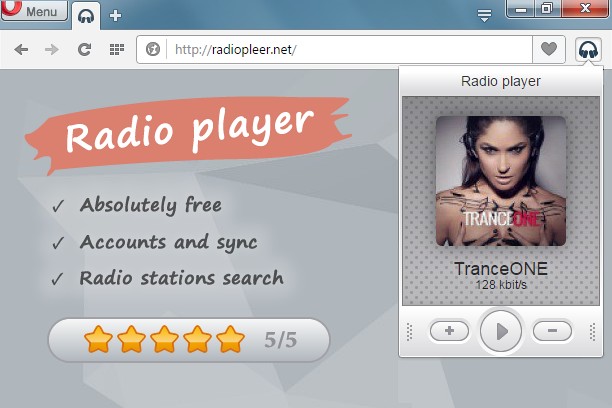

À propos de l'extension
- Téléchargements
- 45 799
- Catégorie
- Musique
- Version
- 1.0.7
- Taille
- 77,4 Kio
- Dernière mise à jour
- 11 juillet 2016
- Conditions d'utilisation
- Politique de vie privée
- Site de service
- http://radiopleer.net/
- Page d'assistance
- http://radiopleer.net/feedback
Related
-

Send to Media Player Classic (MPC-HC)
Send media stream links from current tab to Media Player Classic (MPC-HC)
-

WEZY-DB Late Night Easy
Listen WEZY-DB Late Night Easy with Opera Browser.
-

Smooth Jazz South Florida
Listen Smooth Jazz South Florida Radio with Opera Browser.
-

Радио
-

Web Player for Spotify™
Wrapper window for Spotify's web-player with easy access toggle, next and previous buttons