


 Edellyttää Opera-selaimen.
- Laajennuksella on pääsy tietoihisi kaikissa verkkosivustoissa.
- This Extension can read and modify bookmarks.
- Laajennuksella on pääsy välilehdillesi ja selaushistoriaasi.
Näyttökuvat

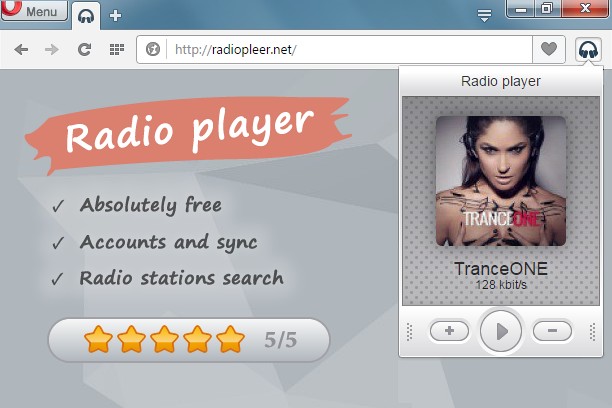

Tietoja laajennuksesta
- Lataukset
- 45 746
- Kategoria
- Musiikki
- Versio
- 1.0.7
- Koko
- 77,4 KB
- Last update
- 11. heinäkuuta 2016
- Lisenssi
- Tietosuojaseloste
- Palvelun verkkosivusto
- http://radiopleer.net/
- Tukisivu
- http://radiopleer.net/feedback
Related
-

4sv LoFi Radio
Your LoFi Radio :) 6 stations, 8 themes and sound effects!
-

WEZY-DB Late Night Easy
Listen WEZY-DB Late Night Easy with Opera Browser.
-

Advanced Audio Equalizer
Enhance your online audio experience with the Advanced Audio Equalizer. Fine-tune your tab audio in real-time
-

Theater Mode for YouTube™
Forces YouTube to open the player in the theater mode (full-width mode) even if you are logged out
-

Youtube Downloader
This extension add a download button on any Youtube page and allows you to download MP3 & Video with just one click.