


 Opera browser required.
- This extension can access your data on all websites.
Screenshots

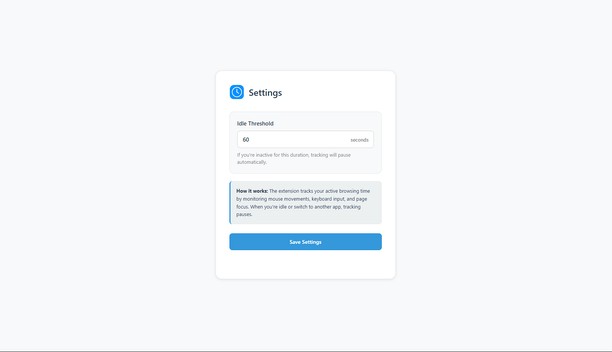
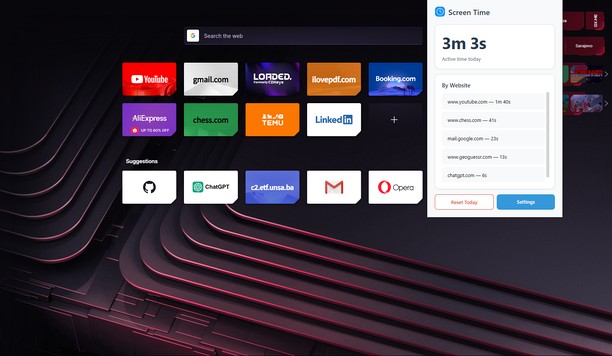
About the extension
- Downloads
- 258
- Category
- Productivity
- Version
- 0.2.1
- Size
- 30.7 KB
- Last update
- 12 Dec 2025
- Licence
- Privacy policy
- Support page
- https://github.com/KerimSikalo/ScreenTimeOperaExtension/issues
- Source code page
- https://github.com/KerimSikalo/ScreenTimeOperaExtension
Related
-

Адаптер Рутокен Web Плагин
-

Evernote Web Clipper
Use the Evernote extension to save things you see on the web into your Evernote account.
-

Review Random Response Generator
it is a tool that automatically generates personalized and relevant responses to customer reviews.
-

Atavi bookmarks
Visual bookmarks, bookmarks sync across various browsers and absolute safety for your bookmarks
-

Simple Photo Editor
Your easy and simple photo editor for your Browser