


 Opera browser required.
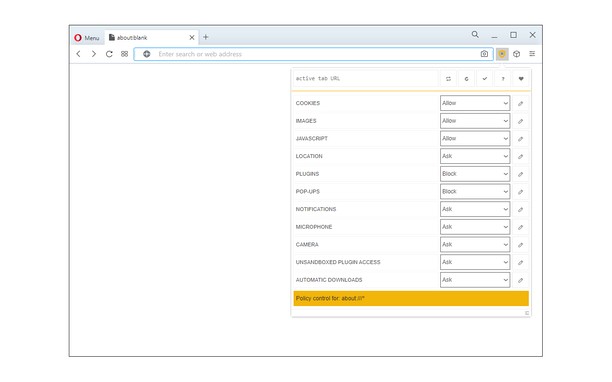
- This extension can manipulate settings that specify whether websites can use features such as cookies, JavaScript, and plug-ins
Screenshot
About the extension
- Downloads
- 11,834
- Category
- Privacy & Security
- Version
- 0.1.7
- Size
- 44.5 KB
- Last update
- 9 Jun 2026
- Licence
- Copyright 2026 alexmarcoo
- Support page
- https://mybrowseraddon.com/policy-control-wext.html
Related
-

Passwords Cleaner (Eraser)
Quickly delete/wipe your browser stored passwords for a defined period with one click
-

Clear Browsing Data
Delete browsing data directly from the browser toolbar. Clear cookies, history and cache with a single click.
-

LastPass
LastPass is an award-winning password manager for secure credential management on any device.
-

uBlock Origin
Finally, an efficient blocker. Easy on CPU and memory.
-

PfP: Pain-free Passwords (legacy)
Use a single master password to generate secure passwords for all websites - without losing track of passwords you cannot change.