


 Opera browser required.
- This extension can write data into the clipboard.
- This extension can access your tabs and browsing activity.
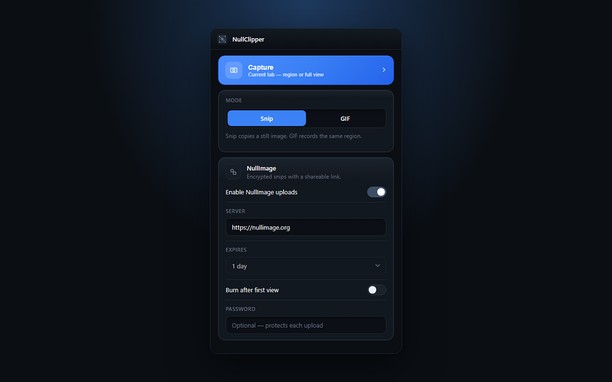
Screenshots


About the extension
- Downloads
- 32
- Category
- Productivity
- Version
- 1.0.0
- Size
- 148.0 KB
- Last update
- 22 Sep 2026
- Licence
- Privacy policy
- Service website
- https://nullimage.org/nullclipper
- Support page
- https://github.com/fleames/NullClipper/issues
- Source code page
- https://github.com/fleames/NullClipper
Related
-

Autofill Forms
Autofill Forms using keyboard shortcut or toolbar button.
-

Discord Text Formatting
Elevate your Discord messages with easy-to-use text formatting tools. Bold, italicize, create spoilers, add code blocks, and more with just a few clicks.
-

YouTube Downloader (UDL Helper)
Download music and videos from YouTube, Instagram, OK.ru. Supported MP3, MP4, WEBM. Screenshot button for online video players.
-

Boomerang for Gmail™
Allows you to schedule messages to be sent or returned at a later date.
-

Evernote Web Clipper
Use the Evernote extension to save things you see on the web into your Evernote account.