


 Opera browser required.
- This extension can access your data on all websites.
- This extension can access your tabs and browsing activity.
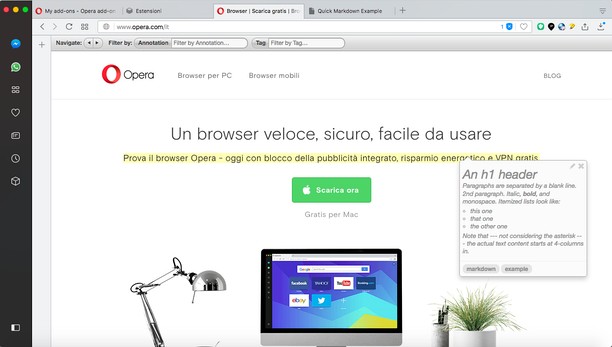
Screenshots


About the extension
- Downloads
- 26,885
- Category
- Productivity
- Version
- 1.2.1
- Size
- 139.5 KB
- Last update
- 14 Apr 2022
- Licence
- Service website
- https://annotatorjs.org/
- Support page
- https://mediamaster.eu/contatti
Related
-

Atavi bookmarks
Visual bookmarks, bookmarks sync across various browsers and absolute safety for your bookmarks
-

Evernote Web Clipper
Use the Evernote extension to save things you see on the web into your Evernote account.
-

Zi Screen
Take a screenshot, share it, add a task in Trello with a screenshot
-

Image Size Converter
Image Size Converter is a powerful yet user-friendly Opera extension that allows you to quickly resize images right in your browser. With an elegant interface and intuitive controls, you can modify image dimensions, choose output formats, and adjust quality settings with just a few clicks - all without relying on external websites or applications.
-

Auto Tab Discard
Increase browser speed and reduce memory load when you have numerous open tabs.