


 Opera-browseren kræves.
- Denne udvidelse kan få adgang til dine data på alle websteder.
- This Extension can read and modify bookmarks.
- Denne udvidelse kan få adgang til dine faner og din browseraktivitet.
Skærmbilleder

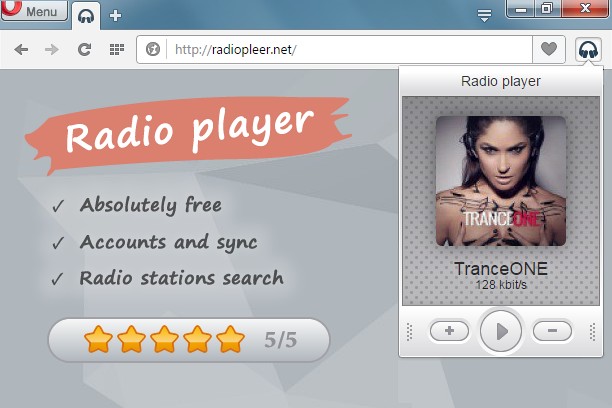

Om udvidelsen
- Antal downloads
- 45.746
- Kategori
- Musik
- Version
- 1.0.7
- Størrelse
- 77,4 KB
- Last update
- 11. juli 2016
- Licens
- Beskyttelse af personlige oplysninger
- Websted for tjeneste
- http://radiopleer.net/
- Supportside
- http://radiopleer.net/feedback
Related
-

4sv LoFi Radio
Your LoFi Radio :) 6 stations, 8 themes and sound effects!
-

Video Player
Web audio and video player with speed control and volume boosting
-

Theater Mode for YouTube™
Forces YouTube to open the player in the theater mode (full-width mode) even if you are logged out
-

WEZY-DB Late Night Easy
Listen WEZY-DB Late Night Easy with Opera Browser.
-

YouTube™ auto Pause and Resume
Pause YouTube player when page is hidden and resume when it is active again!