


 Opera-browseren kræves.
- Denne udvidelse kan få adgang til dine data på alle websteder.
- Denne udvidelse kan få adgang til dine data på nogle websteder.
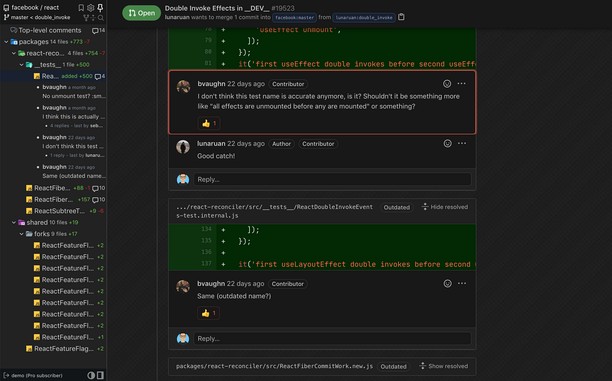
Skærmbilleder


Om udvidelsen
- Antal downloads
- 32.659
- Kategori
- Developer Tools
- Version
- 7.8.2
- Størrelse
- 3,3 MB
- Last update
- 7. marts 2023
- Licens
- Beskyttelse af personlige oplysninger
- Websted for tjeneste
- https://www.octotree.io
- Supportside
- https://www.octotree.io/contact
Related
-

Web Widgetizer
Web Widgetizer is a extension offering a range of features to enhance browsing. It allows users to create separate Opera windows for specific websites, manage favorite links, customize window dimensions, toggle auto-start, and open links in popup tabs via button click or shortcut (Ctrl + Shift + A). This versatile tool optimizes browsing convenience and efficiency.
-

Caffeine
Keep awake which prevents the OS from automatically going to sleep, dimming the screen or starting screen savers
-

Fontstorage
The simplest extension for identifying and selecting fonts on a website.
-

Web Developer
Adds a toolbar button with various web developer tools. The official port of the Web Developer extension for Firefox.
-

SelectorsHub Pro
xPath plugin to auto generate, write and verify xpath & cssSelector.