Патрабуецца браўзер Opera.
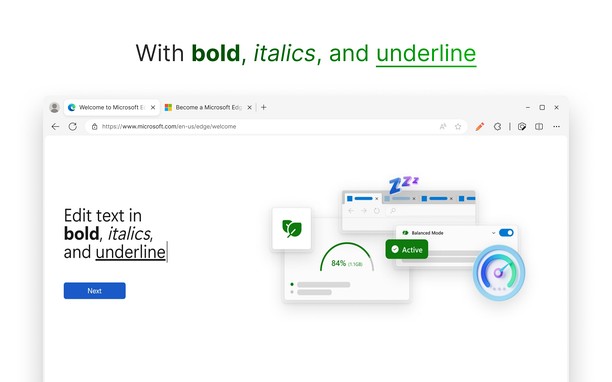
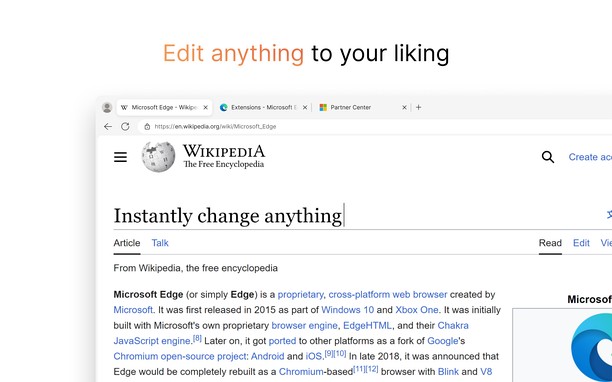
Easily edit websites temporarily with the click of a button. No coding or knowledge needed. Just a click to start editing and another to stop. Change any website's text effortlessly and save your changes as HTML. Format text in bold, italics, and underline.
To use Web Edit, click the extension or use Ctrl/⌘ + Comma on website open you want to edit.
Source Code: https://github.com/RyanLua/WebEdit
Community Forum: https://github.com/RyanLua/WebEdit/discussions
Report an issue: https://github.com/RyanLua/WebEdit/issues/new/choose
Здымкі экрану
Пра пашырэньне
- Загрузкі
- 2844
- Катэгорыя
- Developer Tools
- Вэрсія
- 1.0.1
- Памер
- 40.9 КБ
- Last update
- Сту. 8, 2024
- Ліцэнзія
- Вэб-сайт сэрвісу
- https://github.com/RyanLua/WebEdit
- Старонка падтрымкі
- https://github.com/RyanLua/WebEdit/issues/new/choose
- Старонка крынічнага коду
- https://github.com/RyanLua/WebEdit/releases
Related
-
Web Developer
Adds a toolbar button with various web developer tools. The official port of the Web Developer extension for Firefox.
Адзнака: Адзнакаў: 123
-
Web Widgetizer
Web Widgetizer is a extension offering a range of features to enhance browsing. It allows users to create separate Opera windows for specific websites, manage favorite links, customize window dimensions, toggle auto-start, and open links in popup tabs via button click or shortcut (Ctrl + Shift + A). This versatile tool optimizes browsing convenience and efficiency.
Адзнака: Адзнакаў: 2
-
Nextsense XML Signing Component
Signing XML document.
Адзнака: Адзнакаў: 4
-
Edit with Paint.Net
Adds a context menu item to send image links directly to Paint.Net photo editor
Адзнака: Адзнакаў: 4
-
GitHub Extension
The GitHub Browser Extension allows GitHub users to quickly find and open all of their assigned issues and pull requests from a single location. It can be handy for developers and project managers to view their tasks.
Адзнака: Адзнакаў: 3